

Animate Minecraft characters in 3D, right in your browser
Pose players and mobs, build a world, film it with cameras and lights, and export a video for TikTok, YouTube or anywhere. Or film yourself, and your character copies your moves.
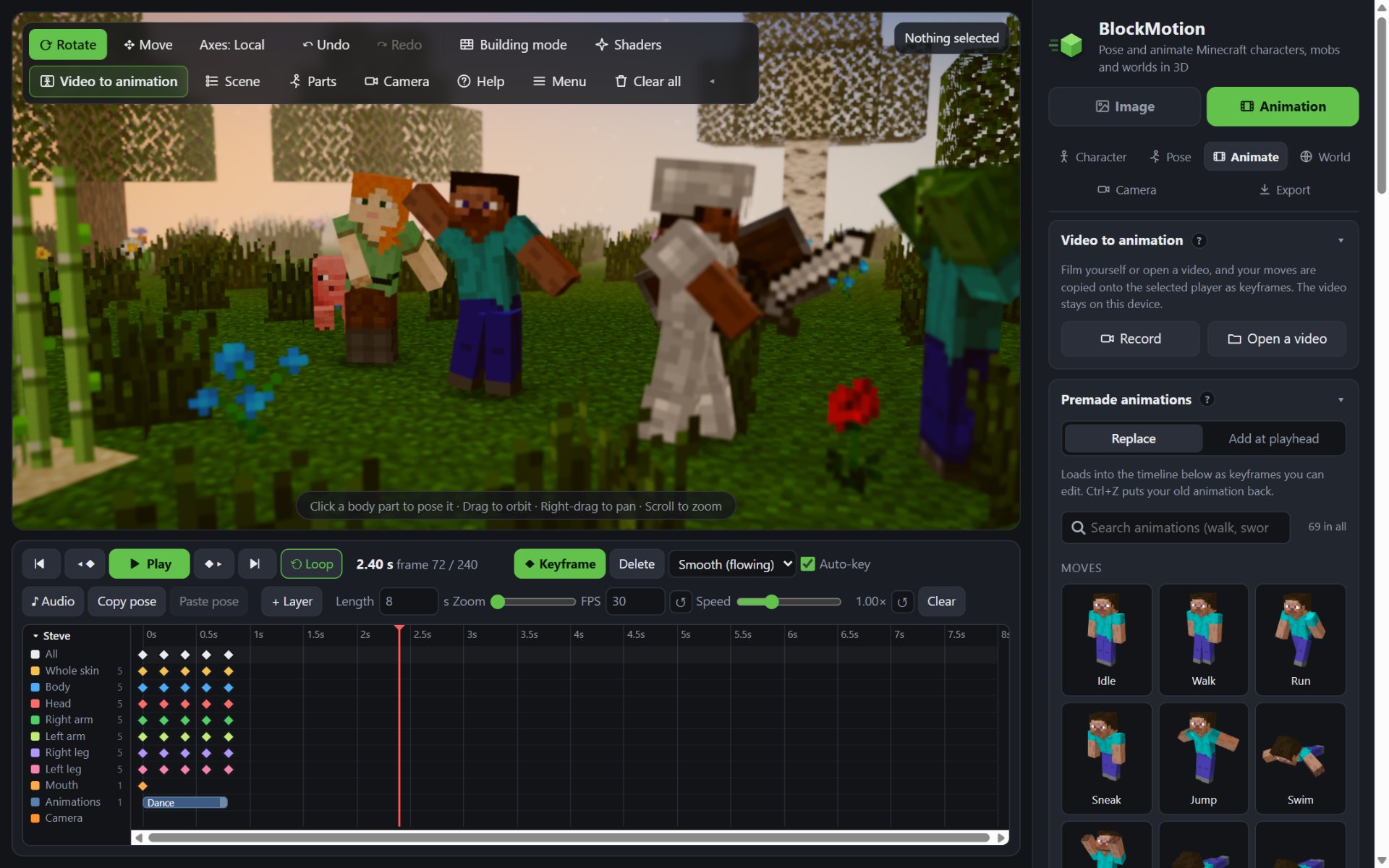
A whole animation studio, made of blocks
Real Minecraft textures, models and mobs, a timeline with keyframes, and a world to put it all in.
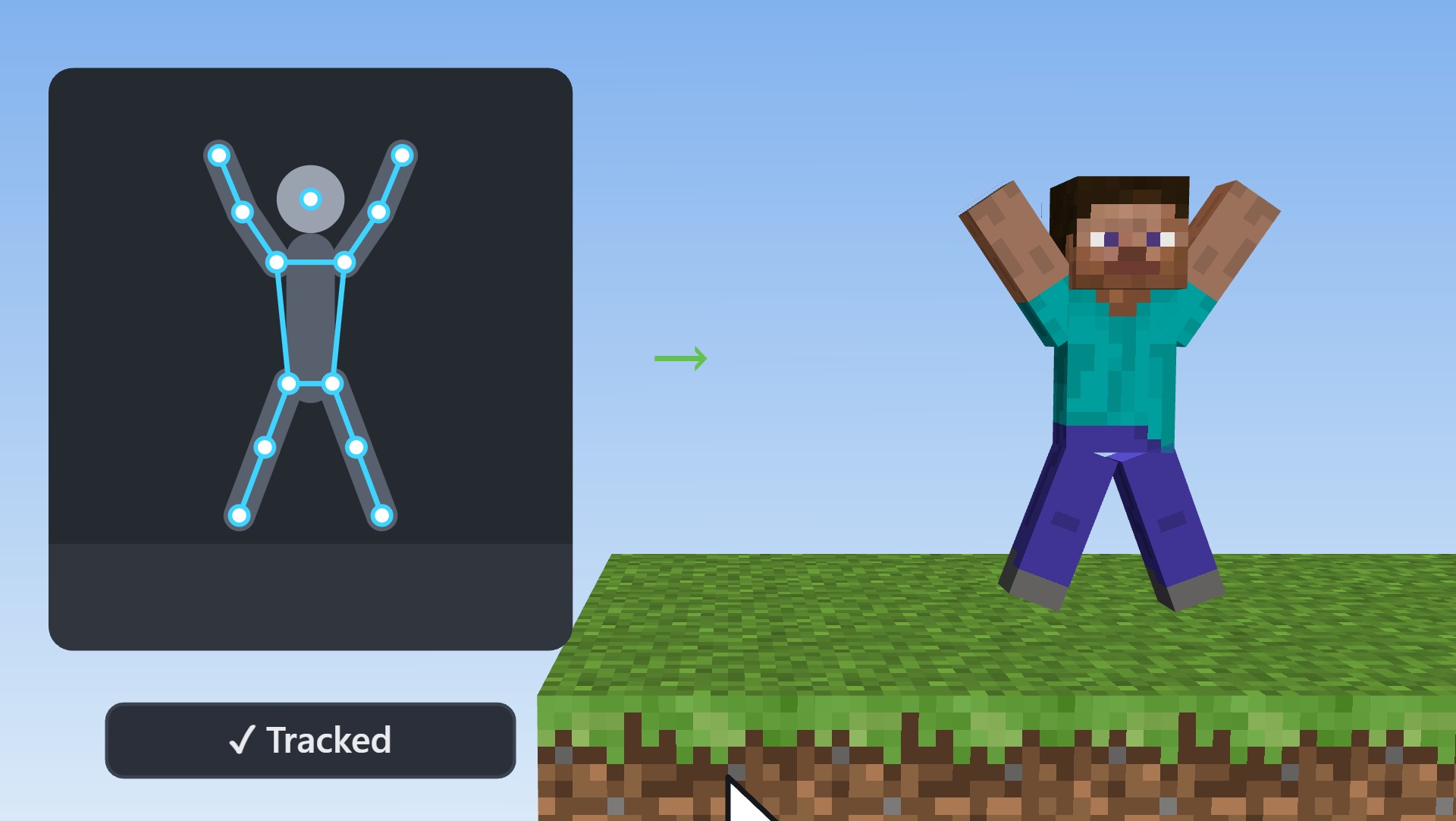
Film yourself. Your character copies your moves.
Record with your camera or open any video. BlockMotion finds your body in every frame and turns it into keyframes for your Minecraft character, ready to edit on the timeline.
- Record a clip or open a video, then trim it
- Tracking follows your arms, legs, body and head
- Check it side by side, then put it on the timeline
Your video never leaves your device: the tracking runs in your browser.
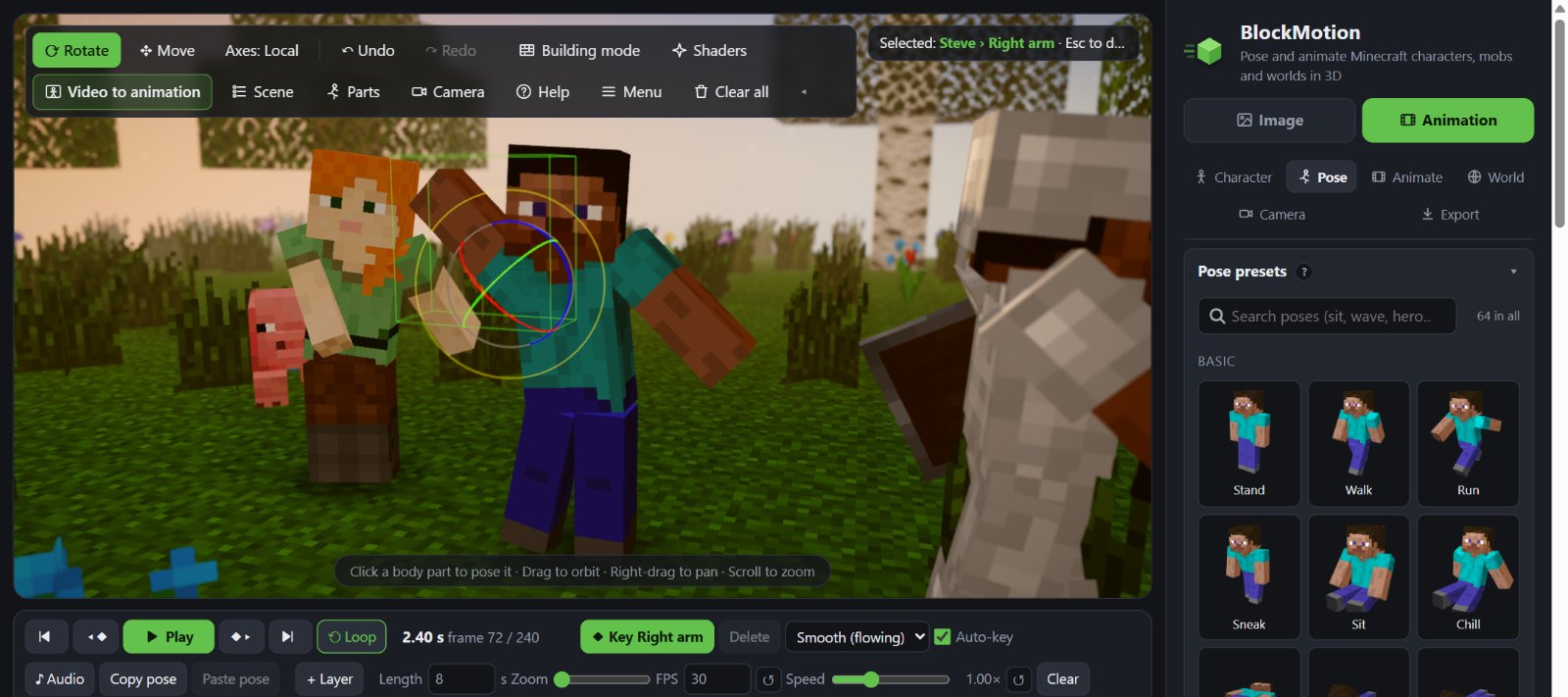
Grab a part, turn it, done
Click an arm, a leg or the head and turn it with the rings. Press Keyframe, move on in time, pose again: BlockMotion fills in the motion between.
- 50+ ready-made animations: dance, floss, talk, fishing, sword combos
- Chain them one after another, or mix them in layers
- Mobs with their real Minecraft animations
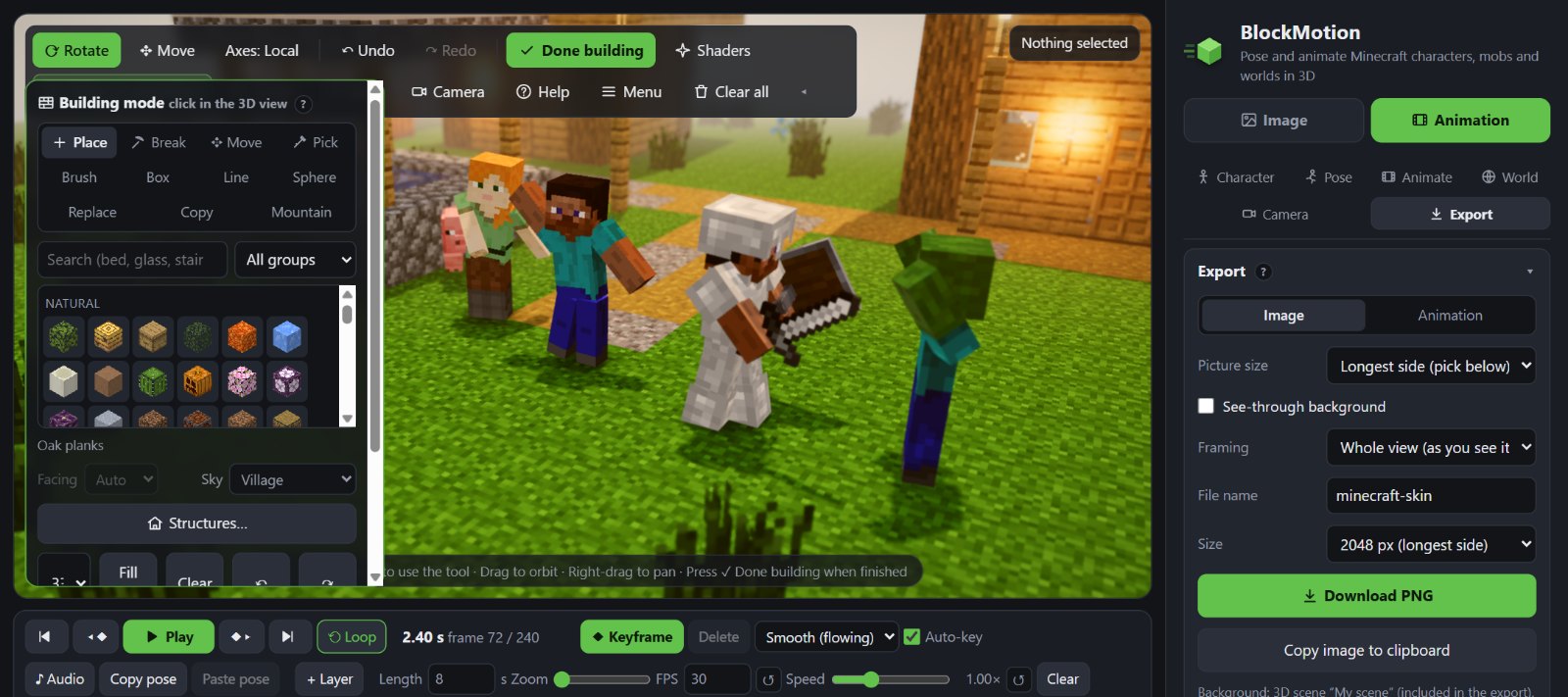
Build your world, block by block
Every block of the newest Minecraft, placed like in the game. Drop in whole villages, trial chambers or ancient cities, or start from one of 24 ready-made worlds.
- Brushes, boxes, lines, spheres and mountains
- Water and lava that really flow
- Resource packs: use your favourite textures
Make it look like a movie
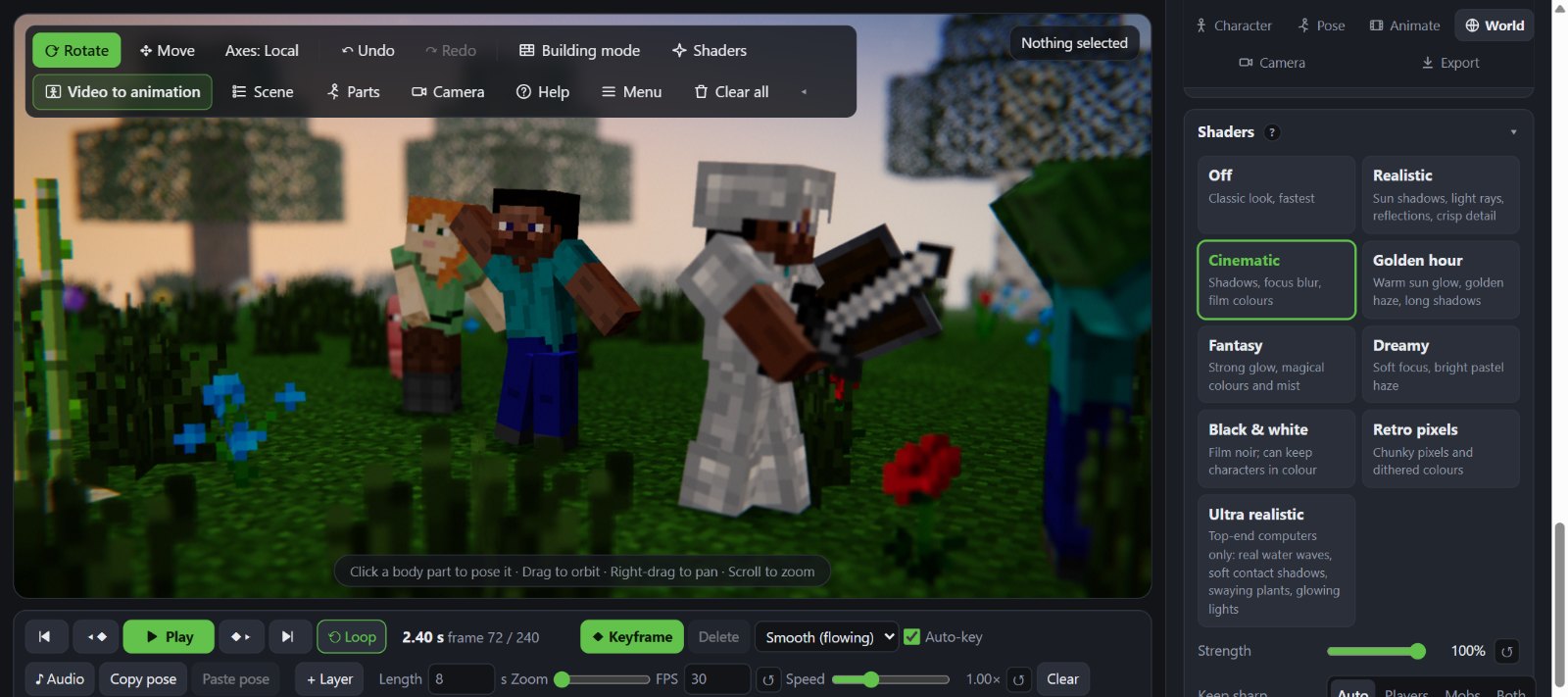
One click turns on a look: Realistic with sun shadows and light rays, Cinematic with focus blur, Golden hour, Fantasy, Dreamy, Black and white, Retro pixels or Ultra.
- Time of day, clouds, rain, snow and thunder
- Cameras with cuts and smooth blends
- Spotlights, 3D text and lightning
Paint your own skin
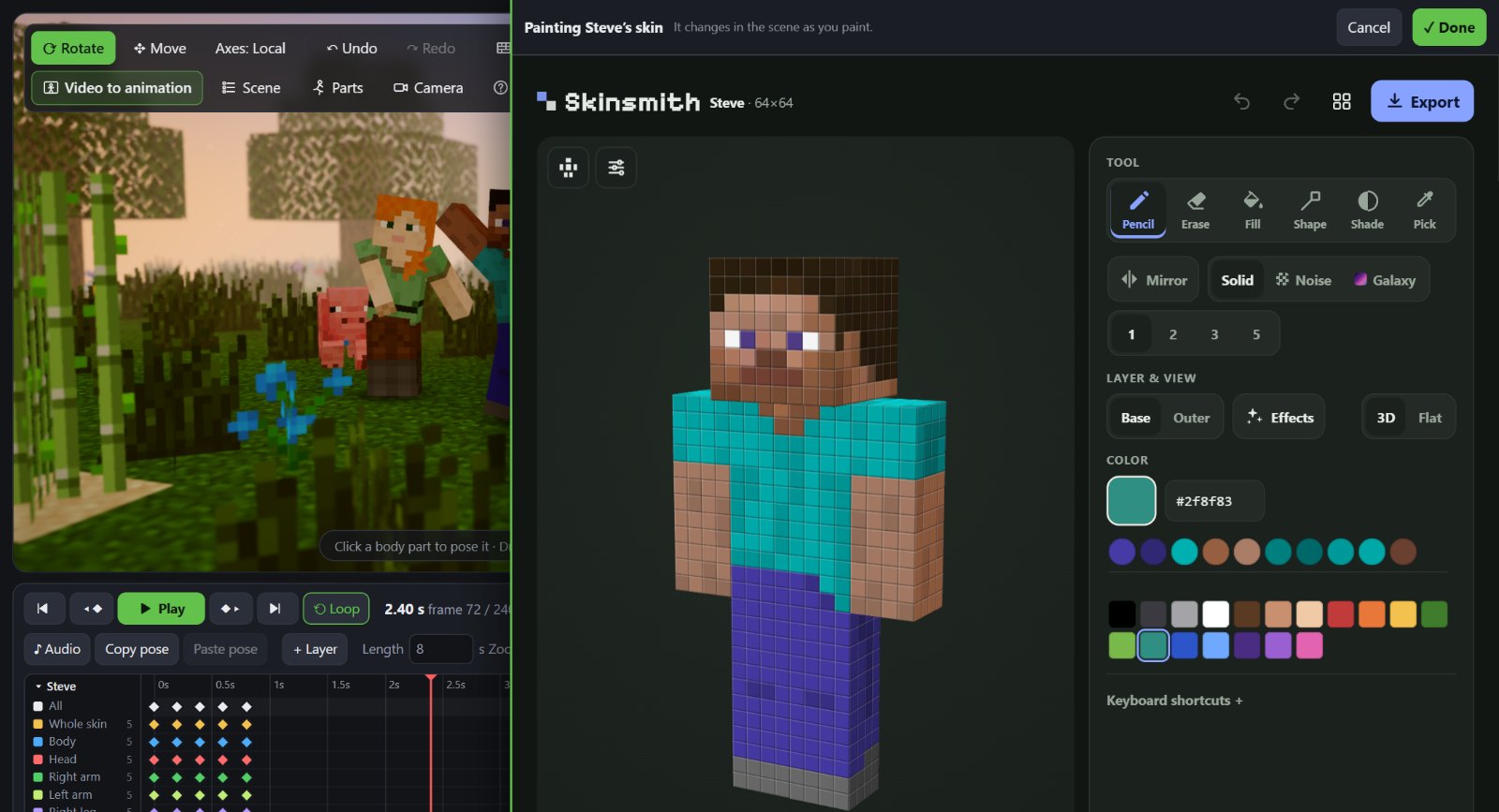
Open any skin file, or paint one pixel by pixel in the built-in skin editor and watch it change on your character as you paint.
- Armor with trims and the enchanting shimmer
- 800+ items to hold, in either hand
- Nametags, just like in the game
Share it anywhere
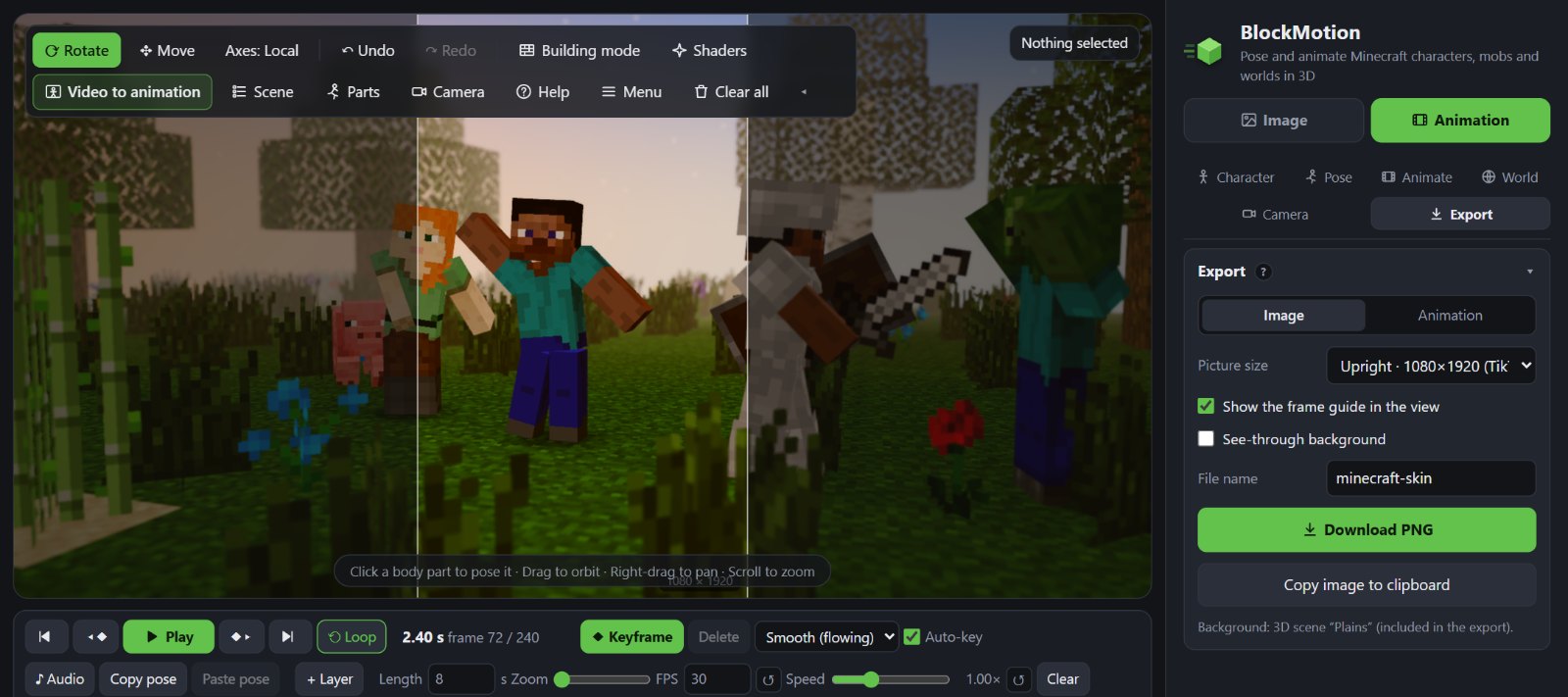
Export a picture, a GIF or an MP4 video in the shape you need, with your own music. The frame guide shows exactly what will be in the shot.
- Vertical 9:16 for TikTok, Reels and Shorts
- 1080p, 1440p and 4K video
- PNG pictures with no background
Thumbnails made in BlockMotion
Real thumbnails, made with the same tools you get. Click one to see it at full size.
Your first animation in three steps
Pick a character
Steve, Alex, your own skin, or any of the 88 mobs. Add as many as you like.
Pose and animate
Turn the parts and press Keyframe, or pick a ready-made animation. Play it back any time.
Export
A picture, a GIF or an MP4 video, from vertical for TikTok up to 4K.
Questions
Is it free?
Yes, BlockMotion is free. Exporting, and tracking a video, may first ask you to watch one short ad, which unlocks it for 10 minutes. If you'd like to help, there's a donate button.
Do I need an account?
No. Open the editor and start. Your projects are saved in your own browser; download a project file to keep a copy or move it to another computer.
Does it work on a phone?
Yes. Phones and tablets get a touch layout with big buttons and finger gestures. Use a recent Safari (iOS 16.4 or newer) or Chrome. Big scenes and Video to animation run best on a computer.
Which skins work?
Any Minecraft Java skin as a PNG file: 64×64, the old 64×32 layout, and HD skins up to 1024×1024. Slim (Alex-style) arms are found by themselves. Or paint one in the built-in skin editor.
Is my video uploaded?
No. Video to animation tracks your body on your own device, in the browser. The video isn't sent anywhere.
Where can I get help?
On our Discord server: ask questions, share your animations and suggest new features.
Start creating now
It opens in a second, right here in your browser. No download, no account.